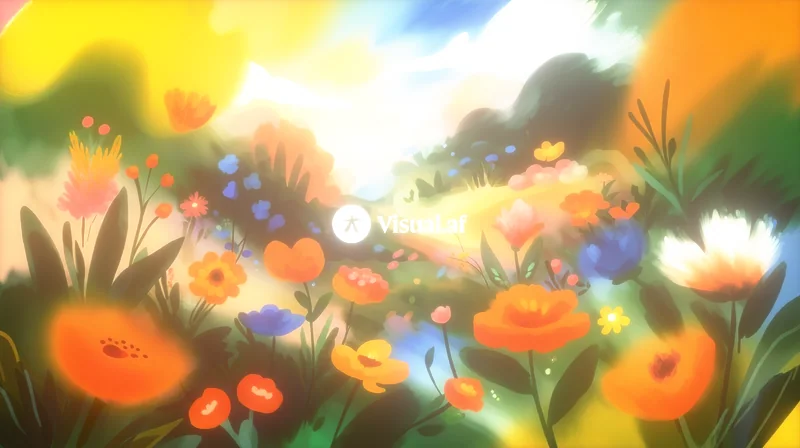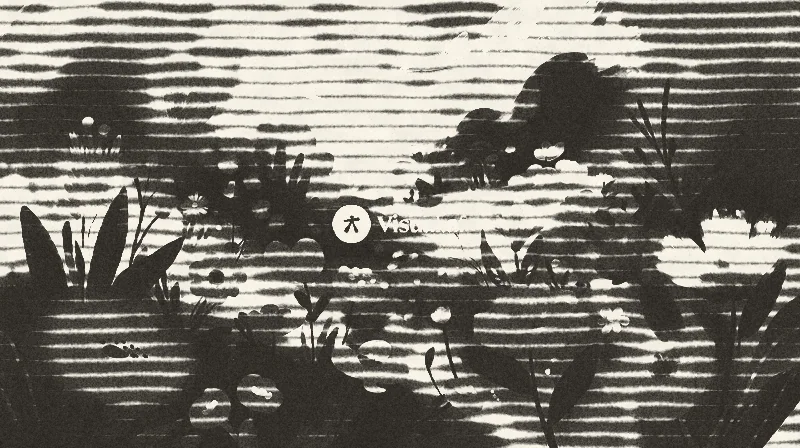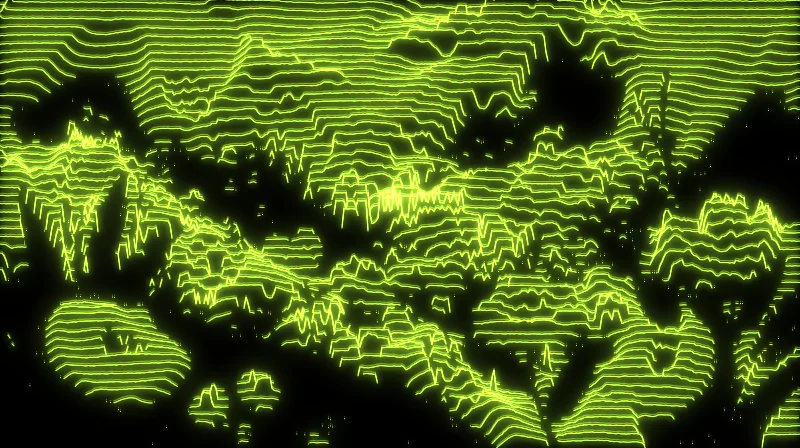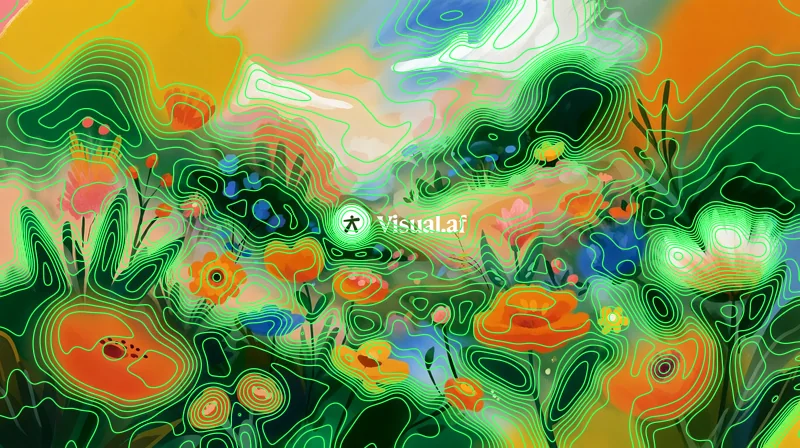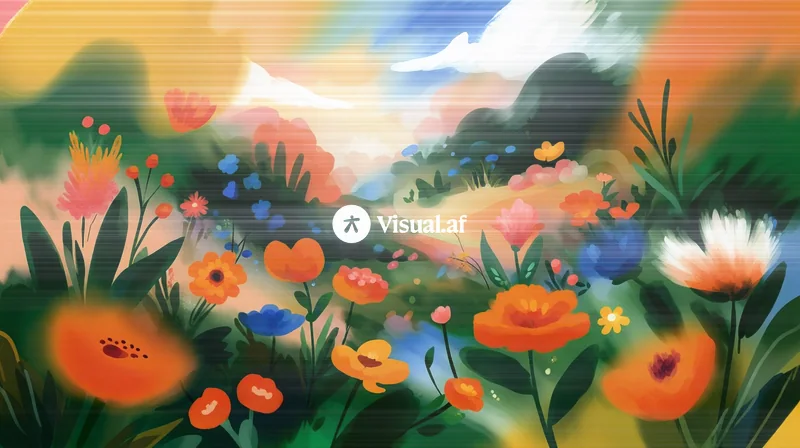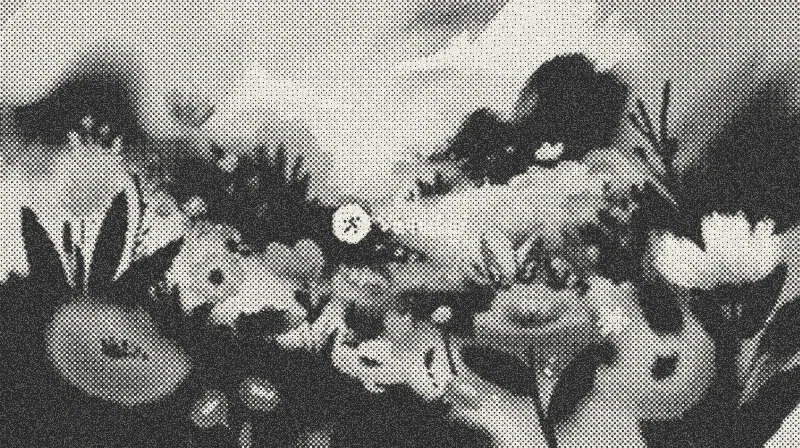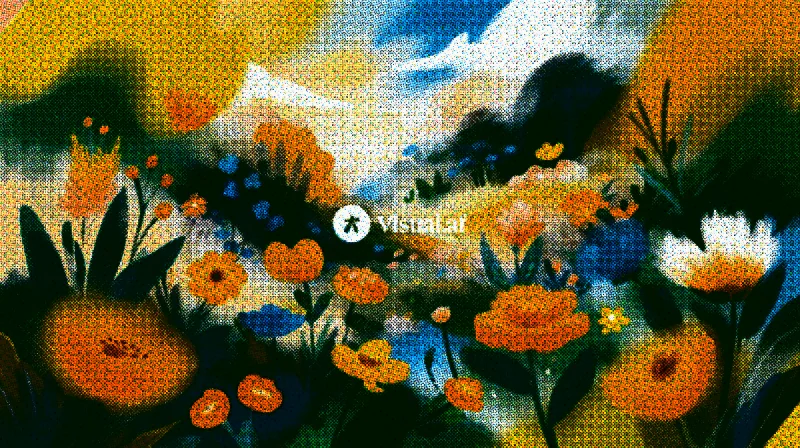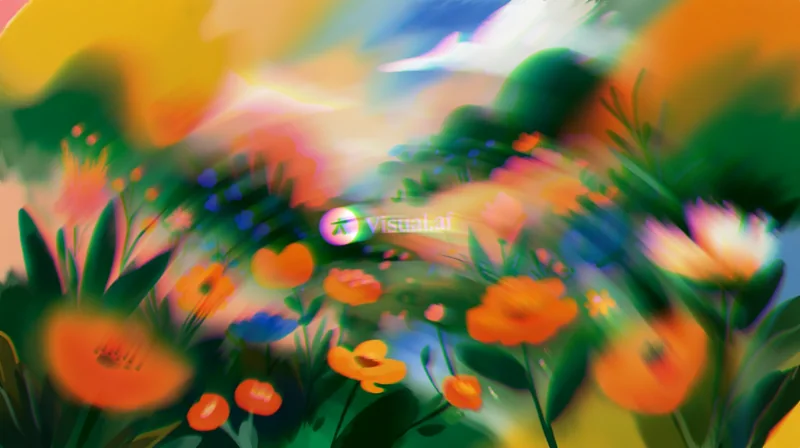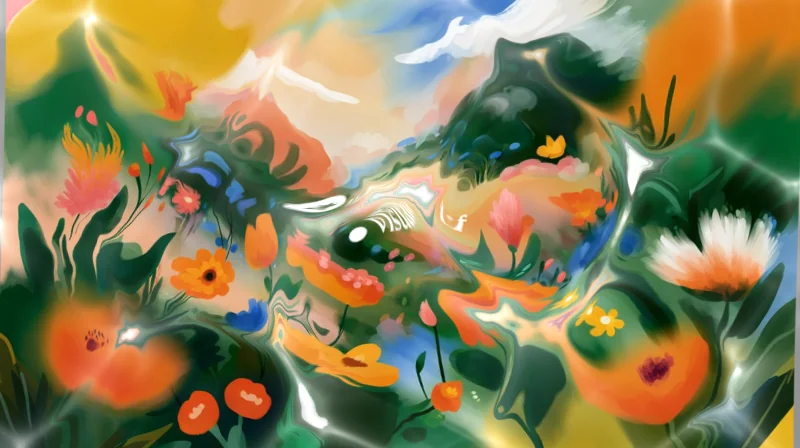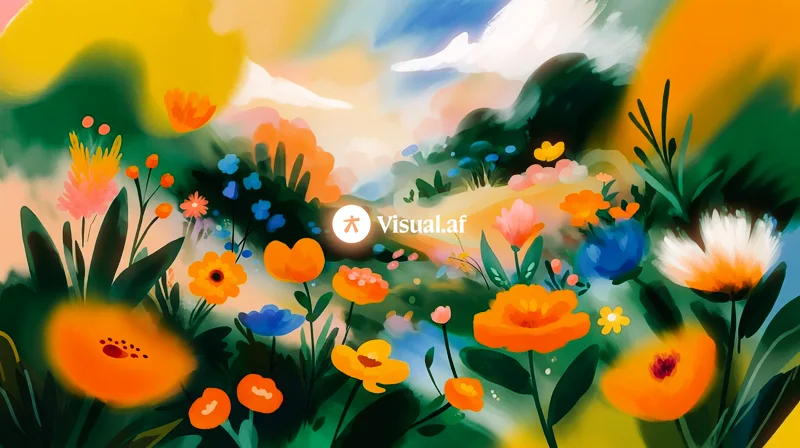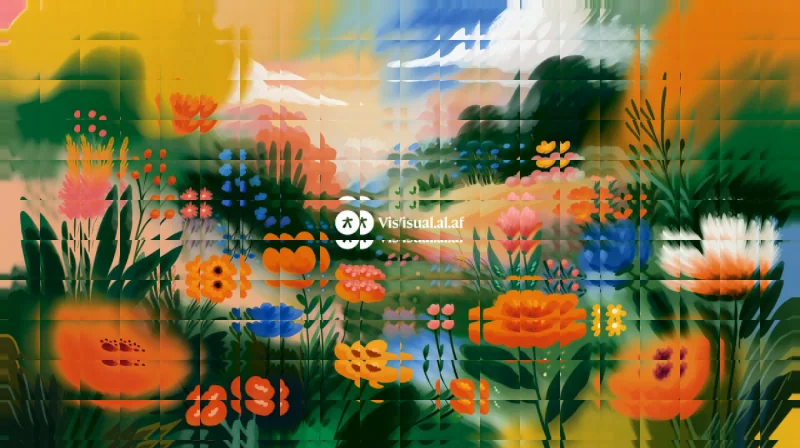

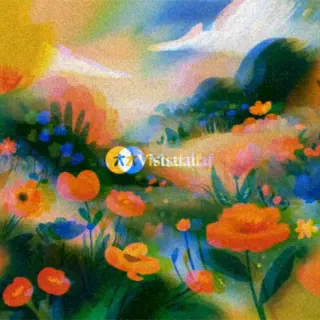
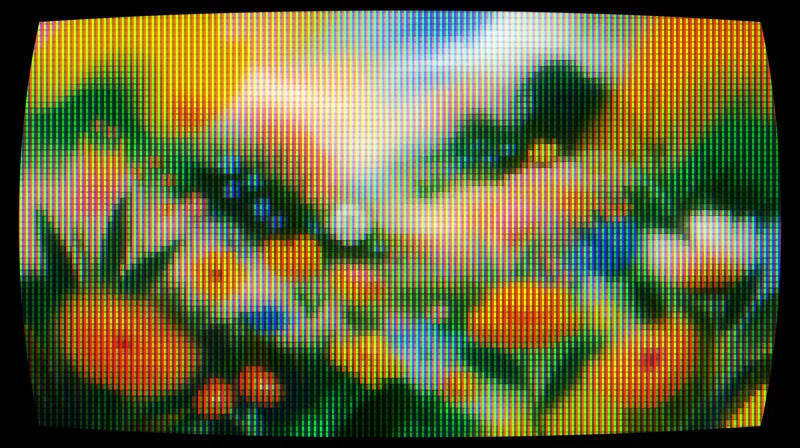
CRT
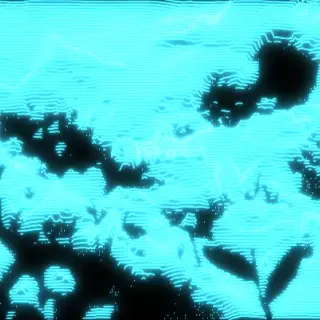
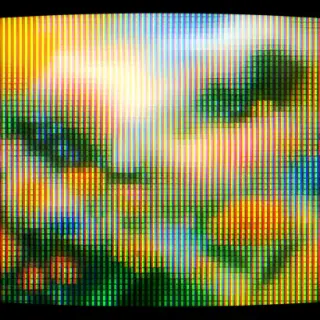
Turns any layer into a tube screen: curvature, RGB phosphors, scanlines and bloom.
 For Affinity
Filter Gallery adds 50 unique creative filters that lift your designs to Affinity, plus all 47 from Photoshop’s Filter Gallery, in a single window with a live preview on your layer. You pay once, USD $12, and they’re yours for good, with every update included. You can start today with the 8 free ones.
Also for Windows · 4.5 MBAlso for Mac · 16.6 MB
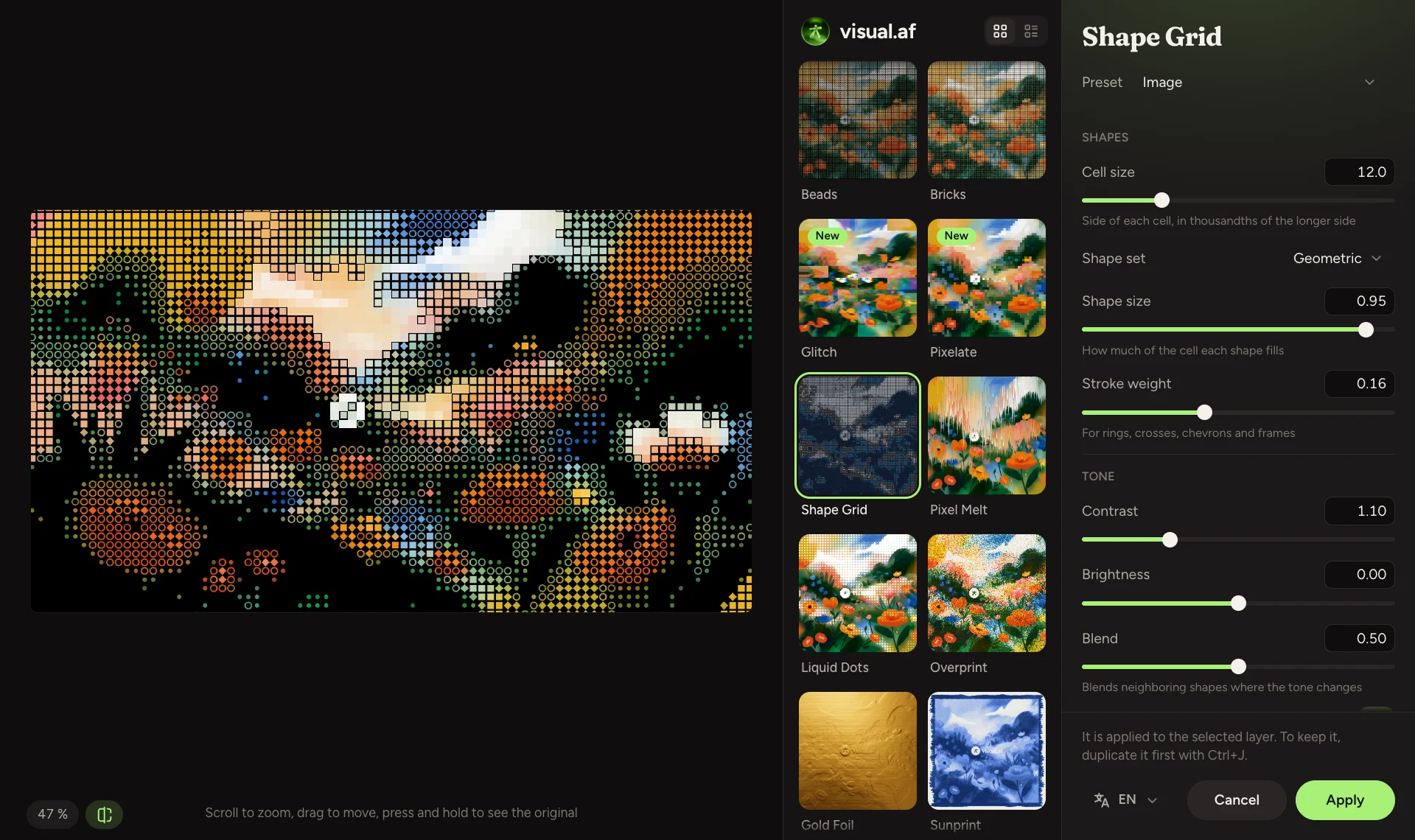
With the same names, controls and default values as in Photoshop, so you can follow any Photoshop tutorial in Affinity, step by step. Each filter has its own page.
 Accented Edges
 Angled Strokes
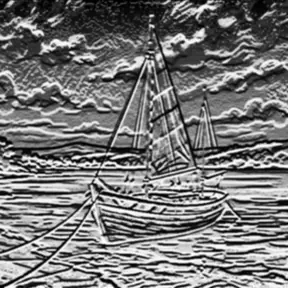 Bas Relief
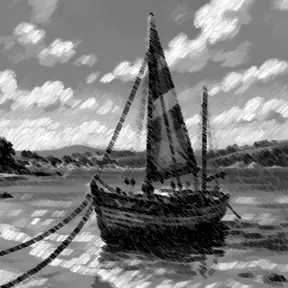 Chalk & Charcoal
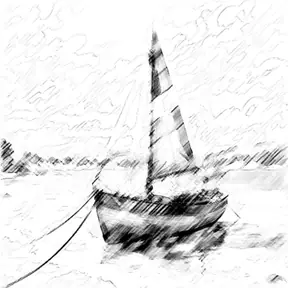 Charcoal
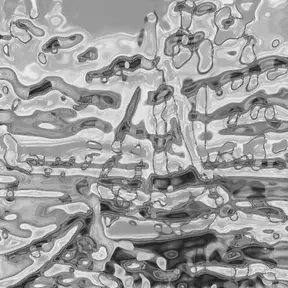 Chrome
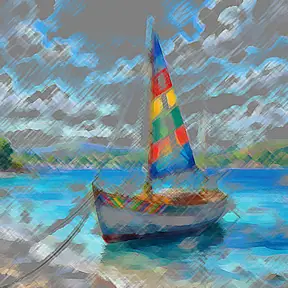 Colored Pencil
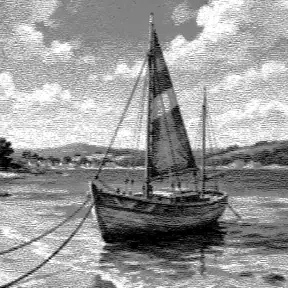 Conté Crayon
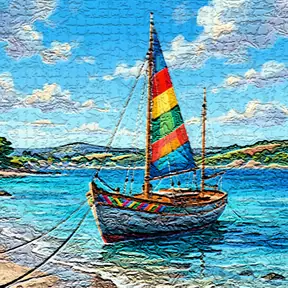 Craquelure
 Crosshatch
 Cutout
 Dark Strokes
 Diffuse Glow
 Dry Brush
 Film Grain
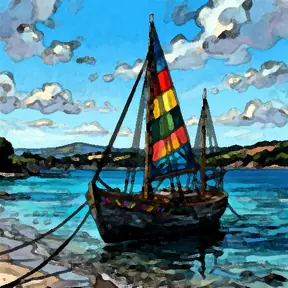 Fresco
 Glass
Glass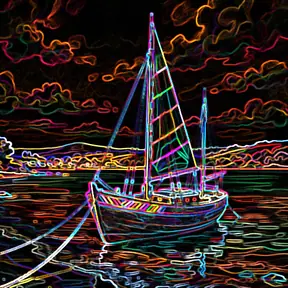 Glowing Edges
 Grain
Grain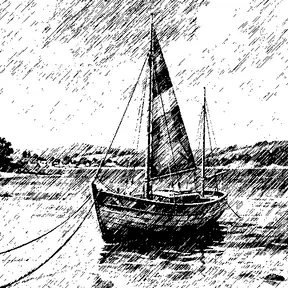 Graphic Pen
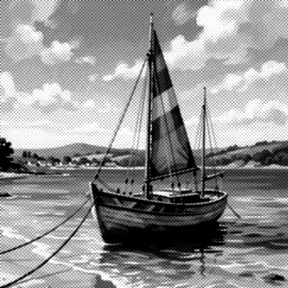 Halftone Pattern
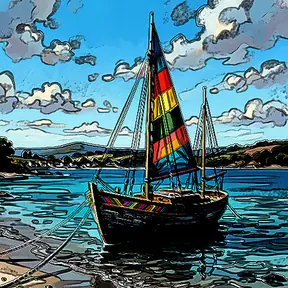 Ink Outlines
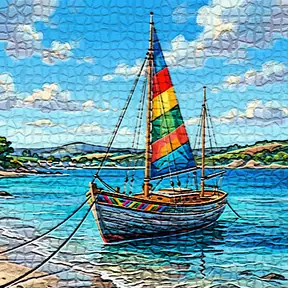 Mosaic Tiles
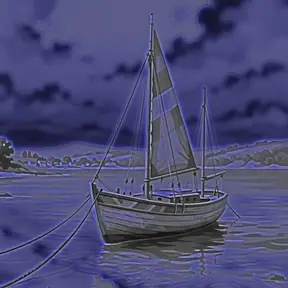 Neon Glow
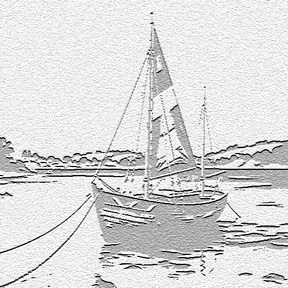 Note Paper
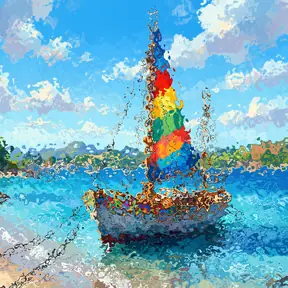 Ocean Ripple
 Paint Daubs
 Palette Knife
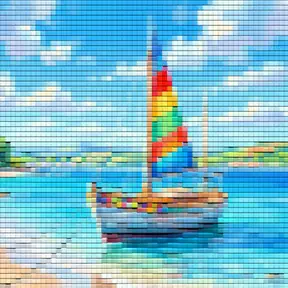 Patchwork
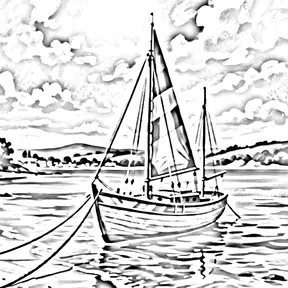 Photocopy
 Plaster
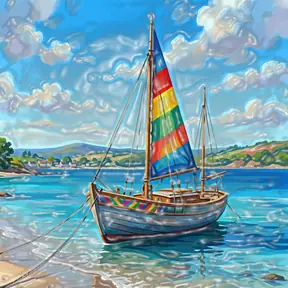 Plastic Wrap
 Poster Edges
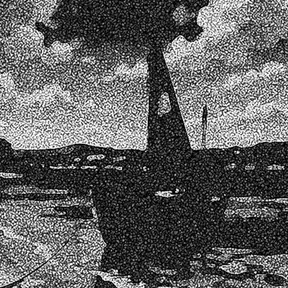 Reticulation
 Rough Pastels
 Smudge Stick
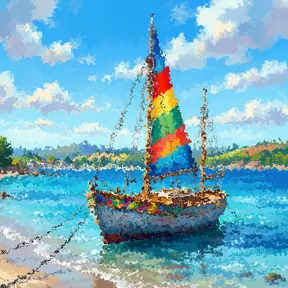 Spatter
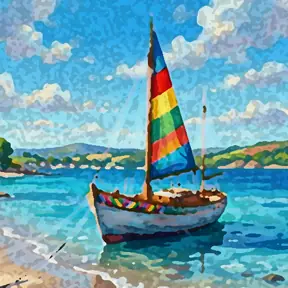 Sponge
 Sprayed Strokes
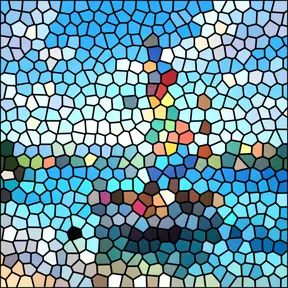 Stained Glass
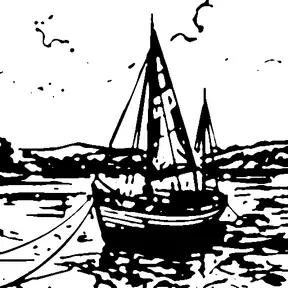 Stamp
Stamp Sumi-e
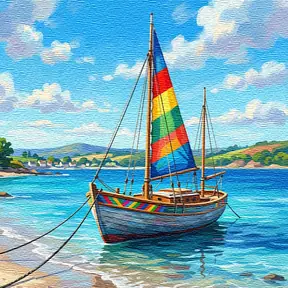 Texturizer
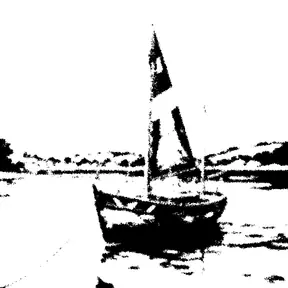 Torn Edges
 Underpainting
 Water Paper
 Watercolor
Photoshop is a trademark of Adobe. Visual Club is not affiliated with Adobe.
You see the result while you move each control. Zoom with the mouse wheel, fit the image to the window with one button and hold it down to see the original.
Combine several effects at once, like in Photoshop: each layer has its own eye, order and opacity.
The gallery shows every effect applied to your image, so you pick one by looking at it.
Works with RGB, CMYK, grayscale and 16-bit RGB documents.
The window is available in English, Spanish, Portuguese, Japanese, Indonesian, Dutch, Vietnamese, Chinese, German, French and Thai.
When a new version comes out, the window lets you know and updates with one click.
The effects run on your computer. It only goes online to activate the license and check for updates.
One license works on up to 3 computers, with Windows or macOS.
Each effect has its own page with its presets and what every control does. The 8 free ones work without a license.
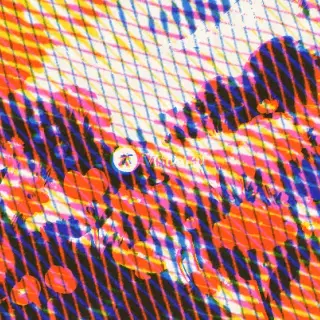
Turns any layer into a tube screen: curvature, RGB phosphors, scanlines and bloom.
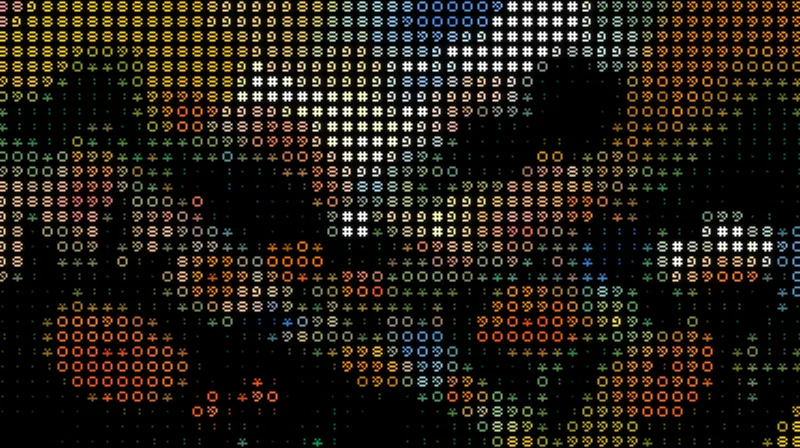
Turns your images into art made of characters, in their original colors or a single ink, with a transparent background.
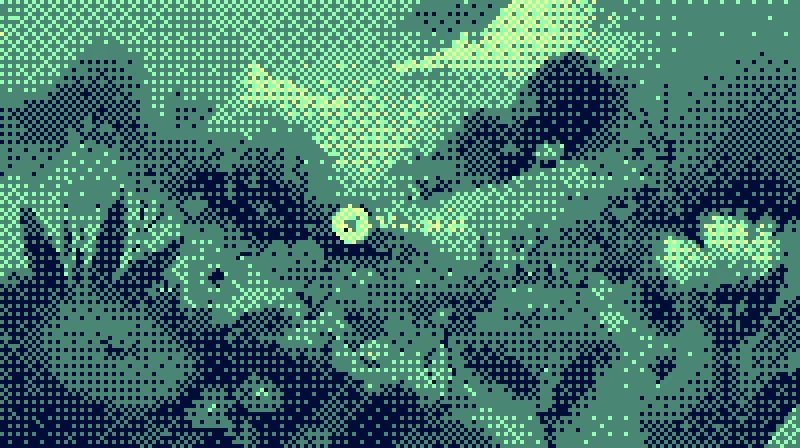
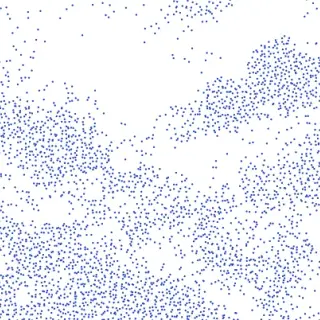
Dithers your images with Bayer matrices or random noise, in the original colors or your own palette.
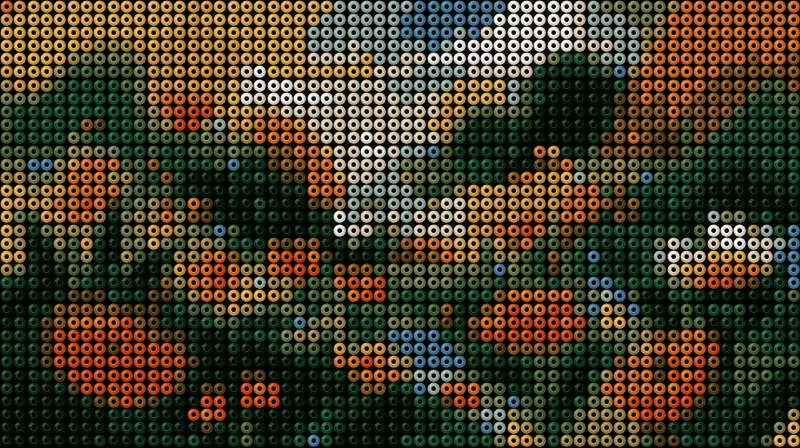
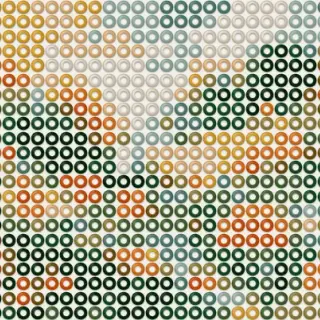
Build hama bead designs from your images: beads with volume, an adjustable hole and a colored pegboard.
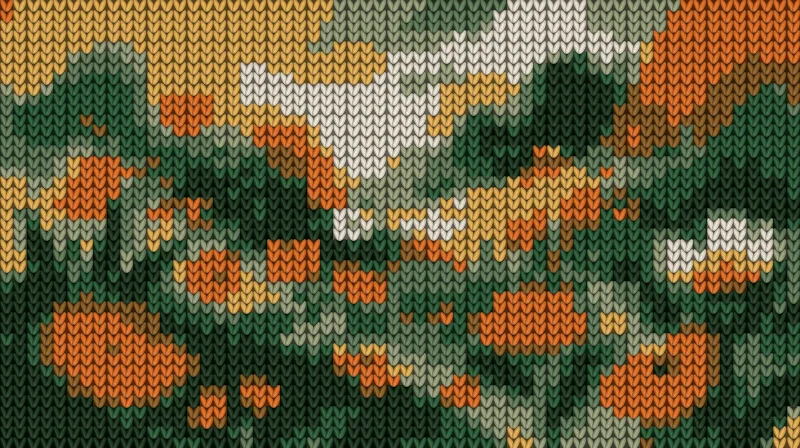
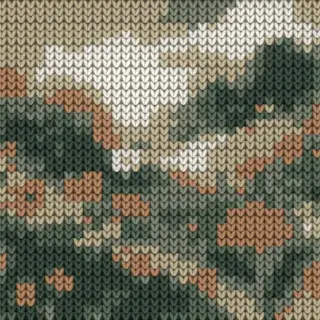
Turns your images into knitted fabric, with V-shaped stitches, relief and a palette of a few colors.
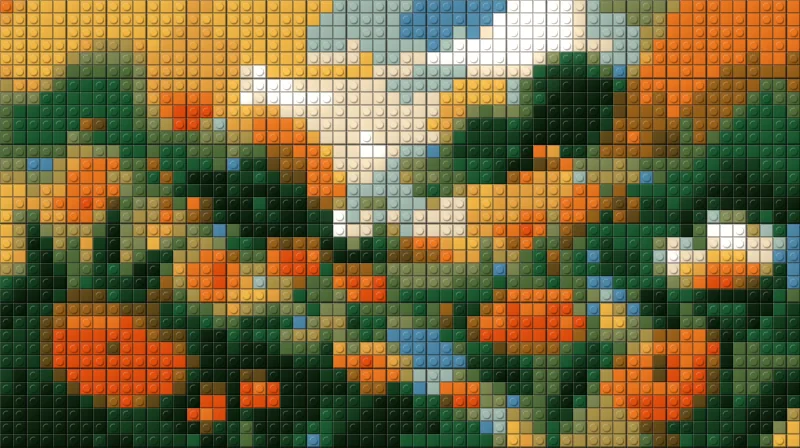
Turns your images into a mosaic of building bricks, with flat or studded pieces.
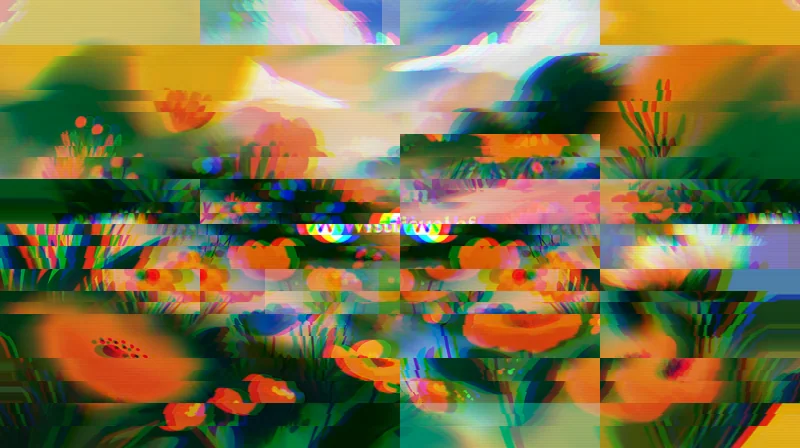
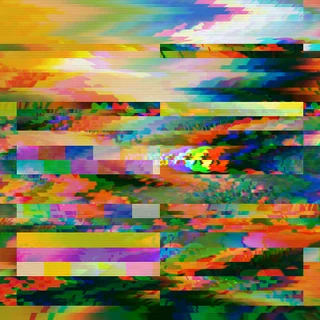
Your image broken like a corrupted signal: shifted bands, RGB split and color bars.
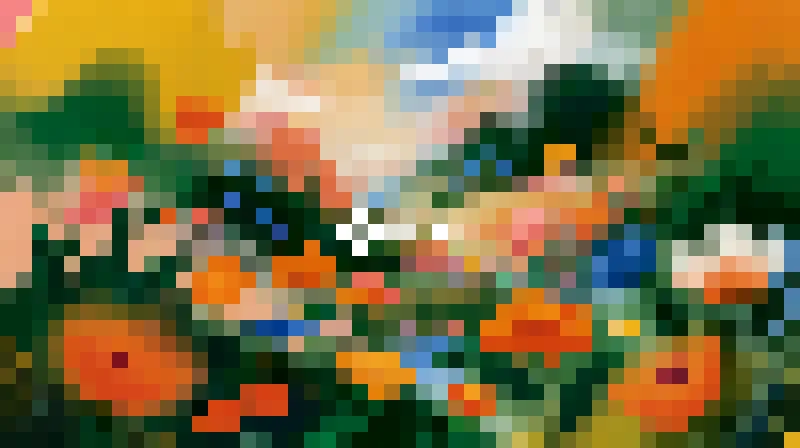
Your image in big pixels: squares, LED dots or small tiles.
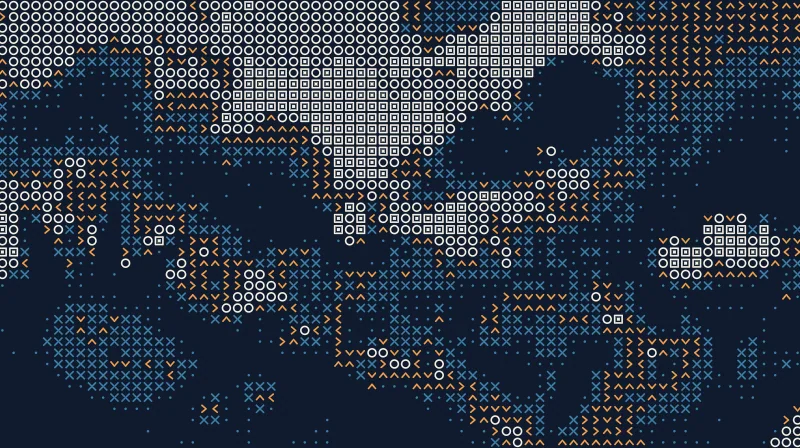
Your image as a grid of dots, crosses, rings and squares picked by its tone.
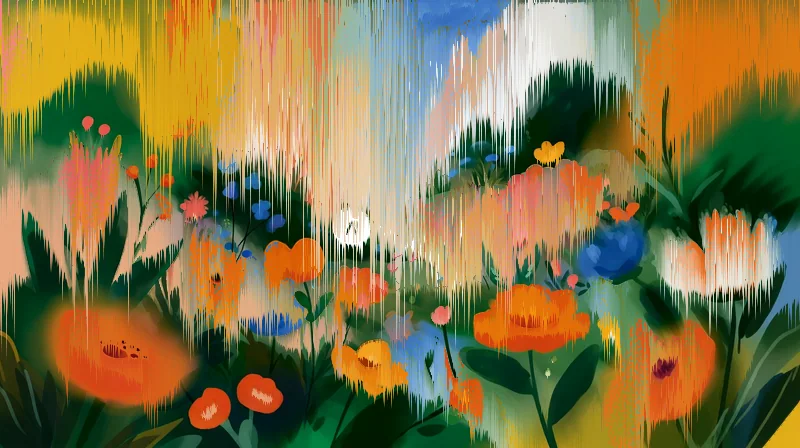
The colors of your image run in streaks like melted paint.
Dots that grow in the tones you choose and merge like drops.
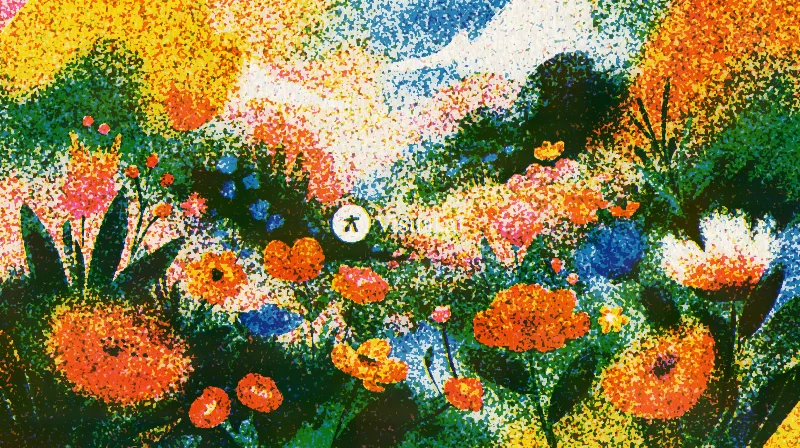
Your image printed in up to three overprinted inks, with grain and misregistration, like a riso print.
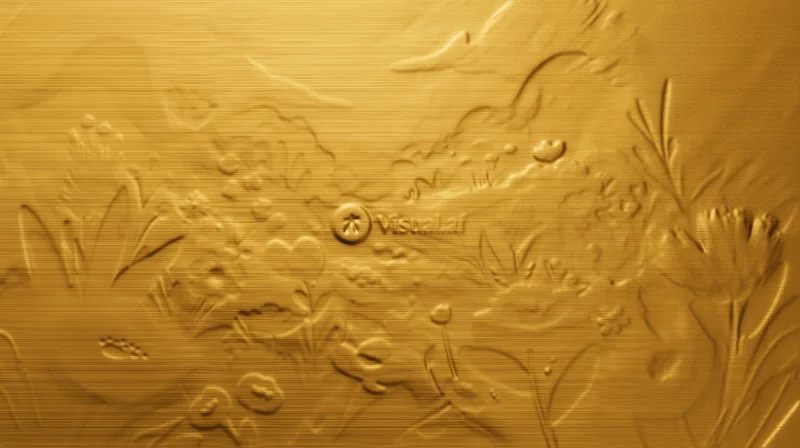
Your image embossed in gold, silver or copper, or stamped in foil on paper.
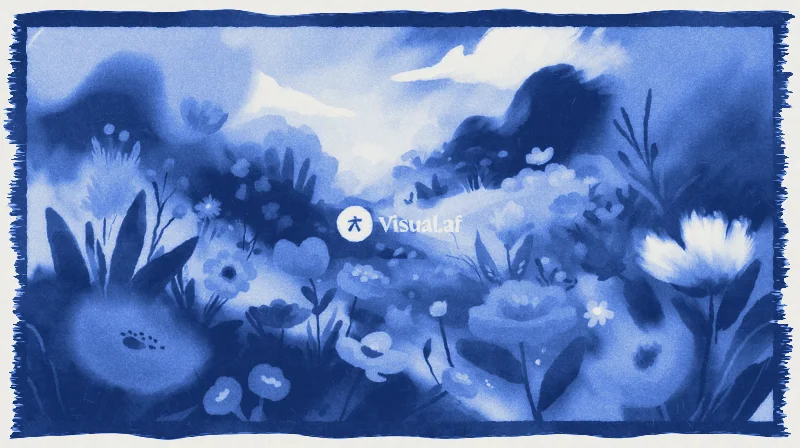
Your image as a cyanotype: Prussian blue on watercolor paper, with a brushed border.
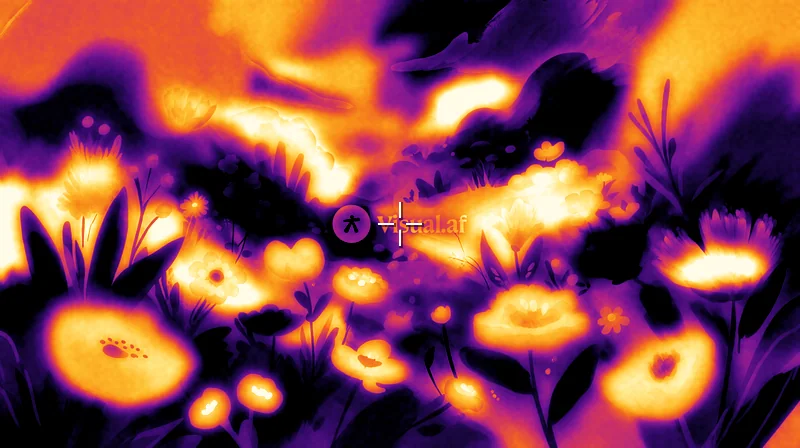
Your image as a thermal camera would see it, in six heat palettes.
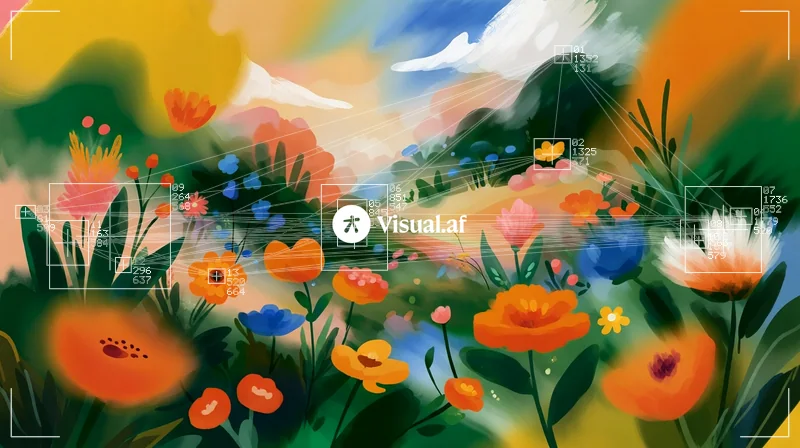
Boxes, numbers, coordinates and lines over the spots in your image, like a tracking system.
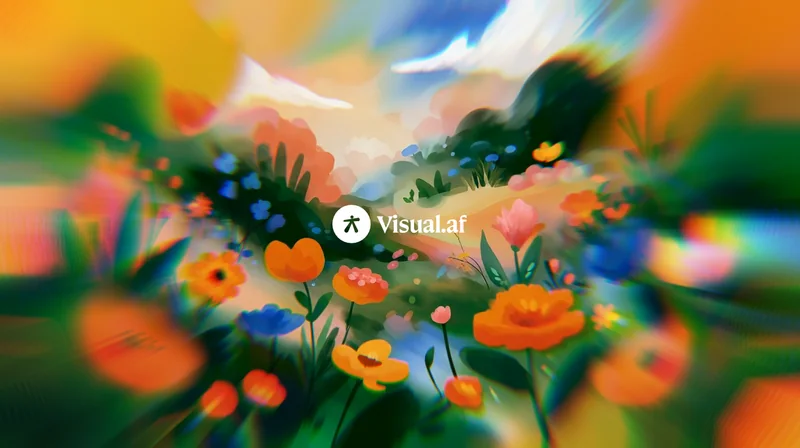
Your image stretched out from a sharp center, with rainbow fringes toward the edges.
A deep glow around the highlights of your image, intense up close and soft in the distance.
Lines of ink that bleed into the paper, with 1 to 3 inks, overprint and misregistration.
Turns your images into a hologram of lines that rise with brightness, with glow and interference.
Contour lines over your image, like a topographic map of its brightness.
Glow, a streak that drags the lights and fine stars on the brightest parts of your image.
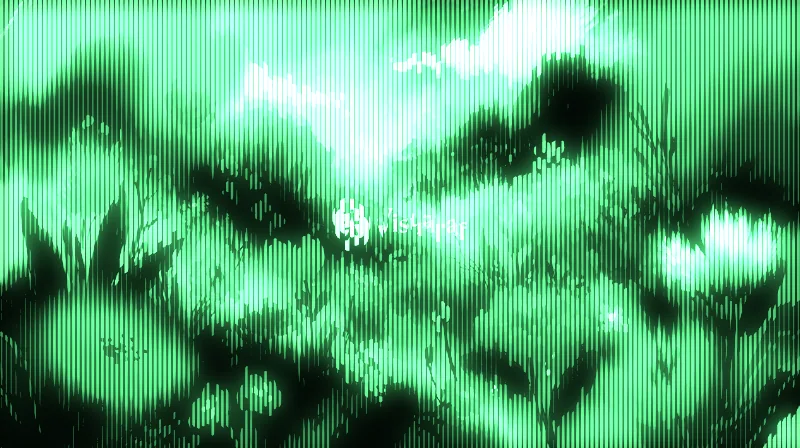
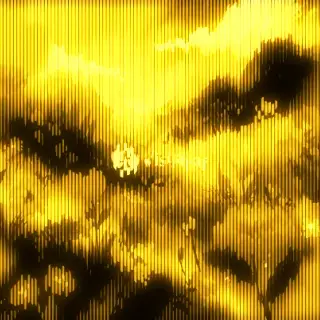
A phosphor screen of vertical lines that thicken with brightness, with glow.
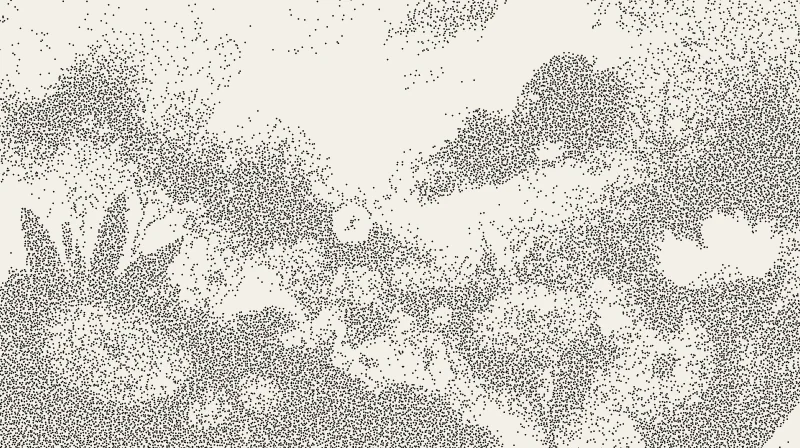
Your image drawn with loose ink dots, closer together in the shadows.
Your image carved in wood: solid ink, parallel strokes and cross-hatching.
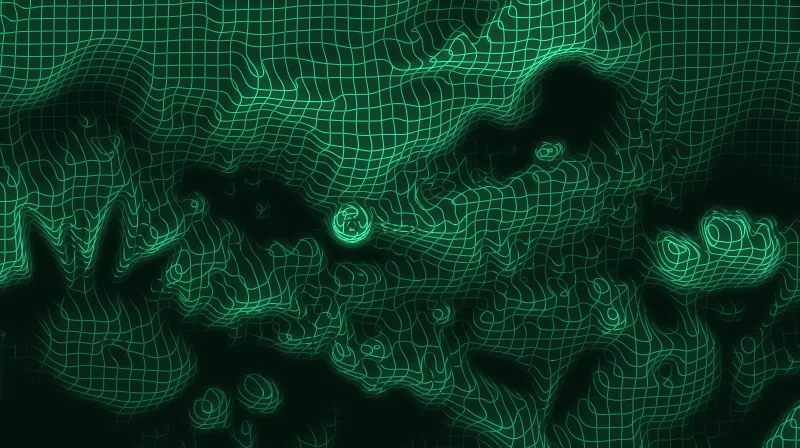
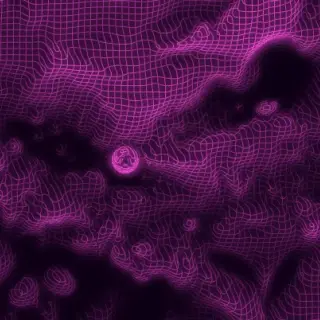
A glowing wire mesh that bends with the brightness of your image.
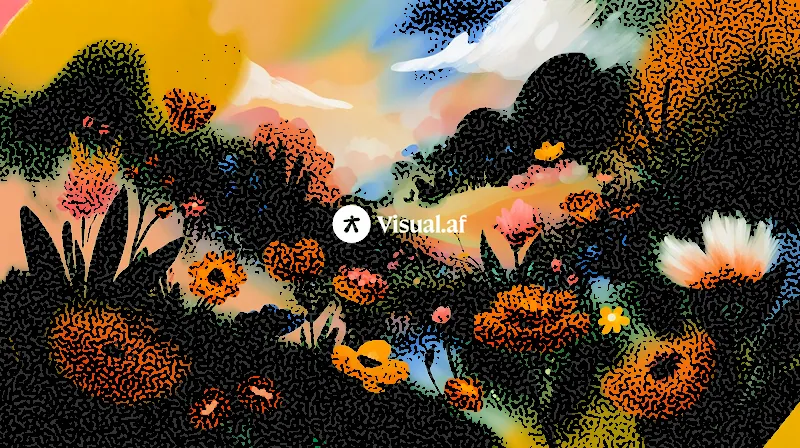
Ink and color cut with an organic maze pattern.
Fibers, crumples and folds of paper over your image.
Your image seen through ribbed glass.
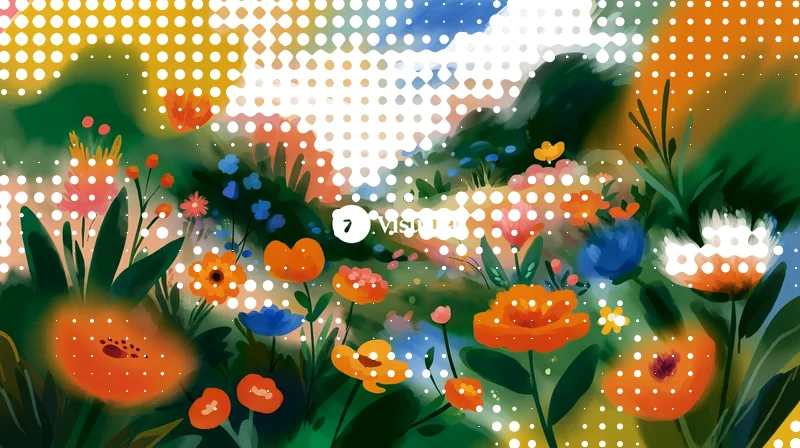
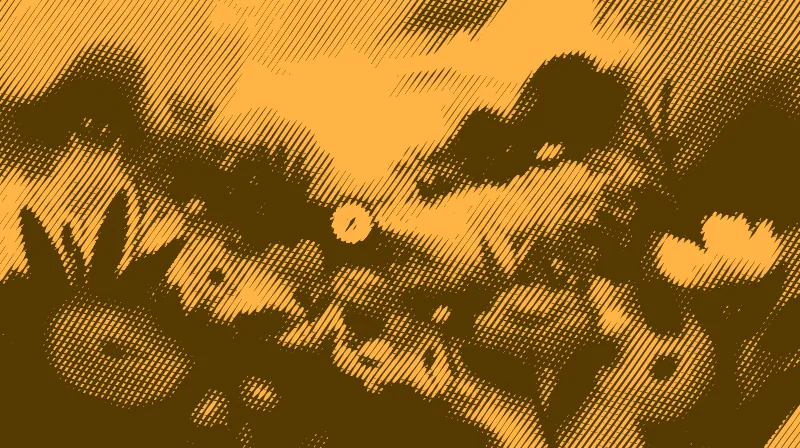
A grid of dots that grow with the shadows, like a printed photo.
Your image printed in four inks, with dots of cyan, magenta, yellow and black.
Your image through a lens that bends it, with the colors split at the edges.
Your image under water, with waves and caustic light.
Your image redrawn in engraved lines, like the portrait on a banknote.
Your image as an over-compressed JPEG, broken into square blocks.
Your image as a frame from a worn VHS tape.
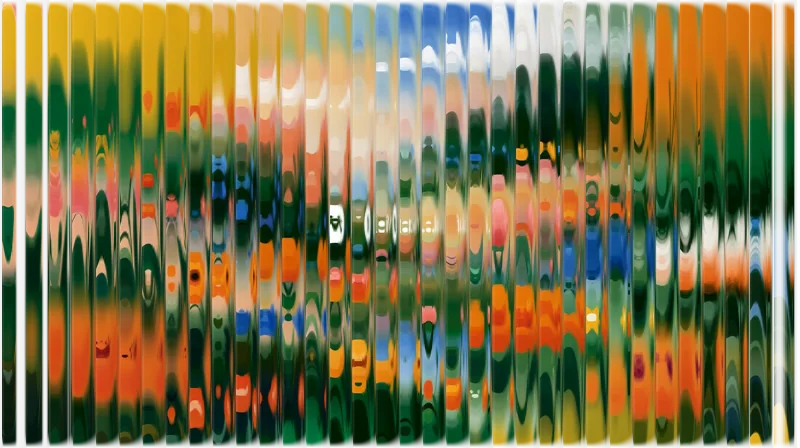
Your image cut into strips that slide by different amounts.
The colors of analog film on your image, with a warm glow around the lights.
A beam of colored light leaking into your image from an edge.
Your image out of focus, with highlights that open into shapes.
Your image seen through a grid of glass blocks.
A slice of your image repeated around a center, like a kaleidoscope.
Your image dragged into streaks of color from a line.
Your image cut into rings that turn by different amounts.
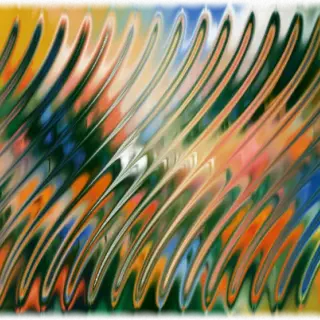
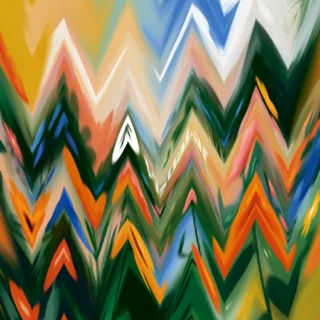
Your image bent by waves: ripples, zigzags or shifted strips.
Your image flowing in swirls, like paint on water.
One half of your image reflected onto the other.
Your image sharp on one side and more and more blurred toward the other.
Your image reflected on a glossy floor, blurring as it moves away.
The pixels of your image scattered, like frosted glass or spray paint.
If you already have a license, you get them for free.
Price
The plugin is free. The license costs USD $12 and you pay it once.
| Filter Gallery | Free | License |
|---|---|---|
| Effects you can apply | CRT, ASCII, Dithering, Beads, Knit, Bricks, Glitch and Pixelate | All 97 |
| Price | USD $0 | USD $12, one-time payment |
| Computers | As many as you want | Up to 3 |
| Updates | Included | Included |
You get the key by email after your purchase. In the window, pick a locked effect, click “I have a key” and paste it.
If you don’t complete your purchase, Creem may send you email reminders (learn more).
Installation
The installer copies the plugin into the Affinity plugins folder and turns on the setting Affinity needs to load it.
Download FilterGallery-Setup.exe. It doesn’t need administrator permissions.
Click “Install”: it copies Filter Gallery into Affinity and turns on “Allow "Unknown" plugins to be used”, which Affinity needs.
Choose Filters › Plugins › Visual.af › Filter Gallery with a pixel layer selected. The effect is applied to that layer, so duplicate it first with Ctrl+J if you want to keep it.
Download FilterGallery-Setup.pkg. It doesn’t need administrator permissions.
Click “Continue” and then “Install”. It copies Filter Gallery into Affinity and turns on “Allow "Unknown" plugins to be used”, which Affinity on Mac needs.
Select a pixel layer and choose Pixel › Filters › Plugins › Visual.af › Filter Gallery. The effect is applied to that layer, so duplicate it first with ⌘J if you want to keep it.
Not built in. Affinity has filters and live filters, but no window where you browse effects as thumbnails of your own layer, like Photoshop’s Filter Gallery. Filter Gallery by Visual Club adds one: you open it from Filters › Plugins, see each of the 97 effects on your layer (including the 47 from Photoshop’s Filter Gallery), adjust it with a live preview and apply it.
Yes. Filter Gallery includes all 47 filters from Photoshop’s Filter Gallery, in their six folders, with the same names, controls and default values, so you can follow a Photoshop tutorial in Affinity with the same steps and values. You don’t need Photoshop: the filters are made by Visual Club and run inside Affinity.
Yes. Download the Mac installer (FilterGallery-Setup.pkg): it works with Affinity 3 on Macs with Apple Silicon or Intel. The installer is signed and notarized by Apple, so it opens without warnings.
Go to Settings › Photoshop Plugins, turn on “Allow "Unknown" plugins to be used” and restart Affinity. Also select a pixel layer before you open the Plugins menu: the filter only works on a selected pixel layer.
Affinity 3, on Windows 10 or 11 or on a Mac.
Like every filter in Affinity, it works on pixel layers. To apply an effect to text, vectors or a group, duplicate it and turn the copy into pixels first (rasterize it).
No. Like every filter in Affinity, the effect is applied to the selected layer. Duplicate it first with Ctrl+J (⌘J on a Mac) if you want to keep the original, or undo with Ctrl+Z (⌘Z).
On three. If you change computers, you can free one up from the window itself with your purchase email.
Only to activate the license and check for updates. The effects are calculated on your computer and your images never leave it. Offline, the license keeps working for 14 days.
When there’s a new version, the window shows a notice with an “Update” button. Affinity uses the new version the next time it starts.
No. No antivirus flags it. You can check the VirusTotal report for this exact file.